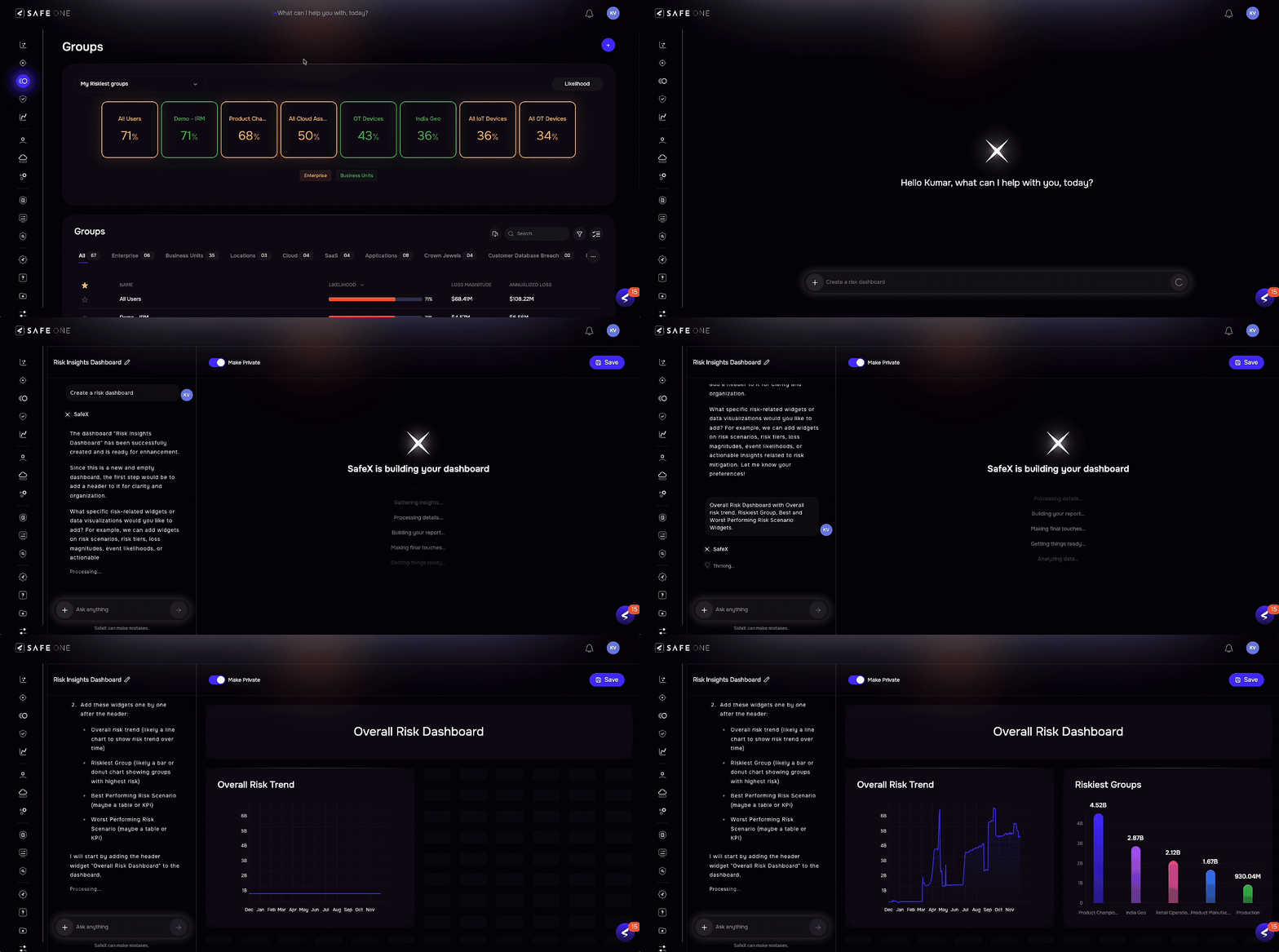
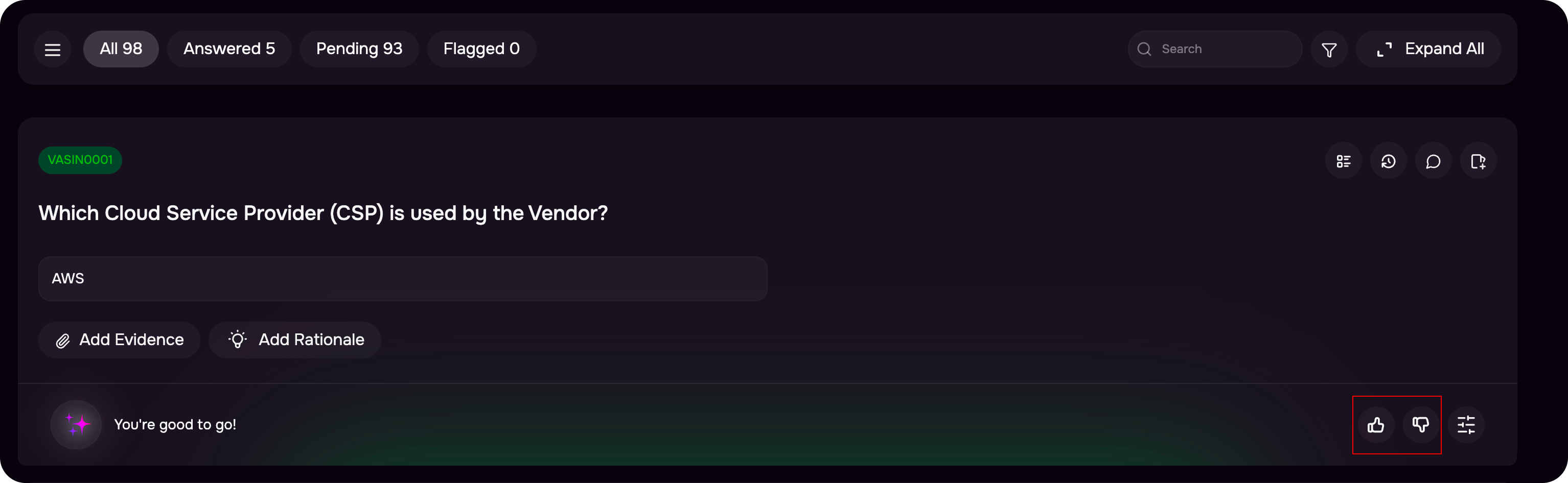
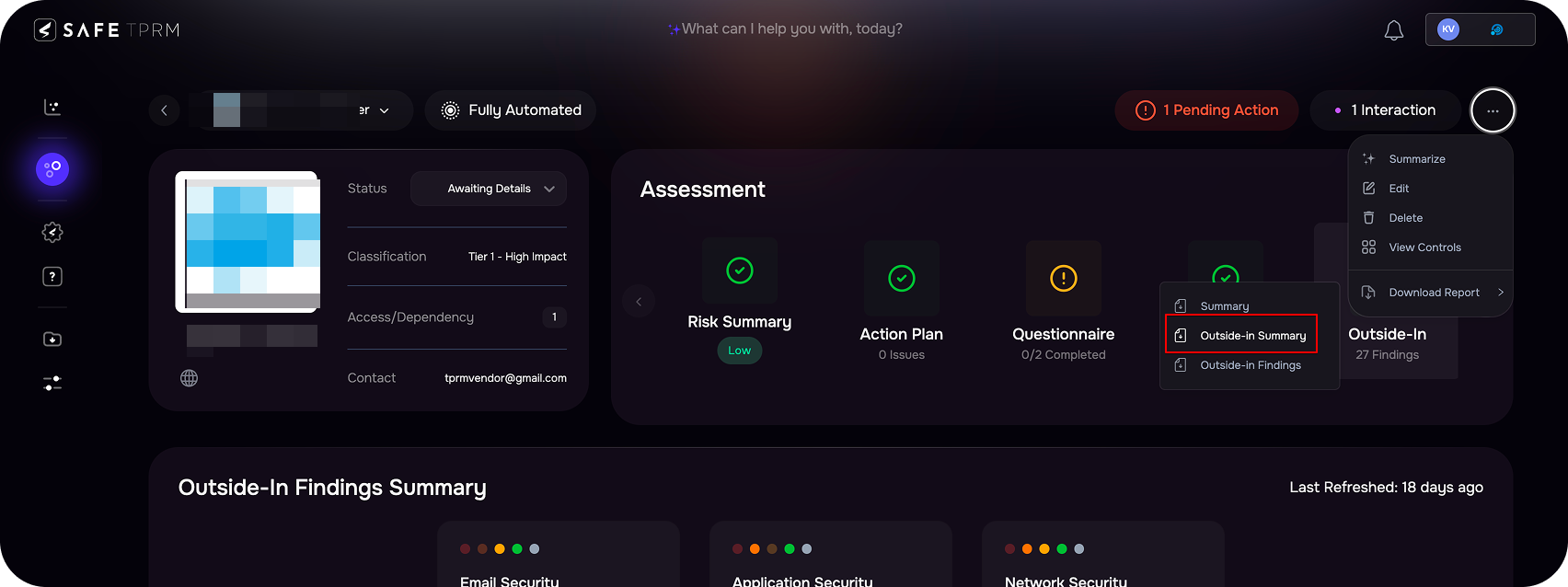
Release Notes | Release v4.1.120Dec 15, 2025 1. AI Dashboard using SafeXSAFE users can now create and save dashboards through SafeX using simple conversational prompts, real-time updates, and intelligent AI-driven generation. The new SafeX experience provides a unified workflow with a persistent chat history, editable layouts, and expanded widget capabilities, offering a seamless dashboard-building experience. 2. Feedback for Questionnaire AI ReviewUsers can now provide direct feedback on the AI’s review of their submitted answers using new Thumbs Up and Thumbs Down options, enabling clearer validation of AI accuracy and improving overall review quality. 3. Third-Party Breach Notifications for Major IncidentsSAFE now notifies customers of major breaches involving Fortune 2000 companies, with a clear email indicating whether they are impacted and visibility into affected third and fourth parties when applicable. 4. Enhanced Outside-In Summary ReportThe Outside-In Summary Report has been enhanced to deliver a unified, executive-ready view of external attack surface risk, combining prioritized findings, security breach insights, dark web exposures, and fourth-party risk visibility, and a 30-day industry and country-specific threat landscape.
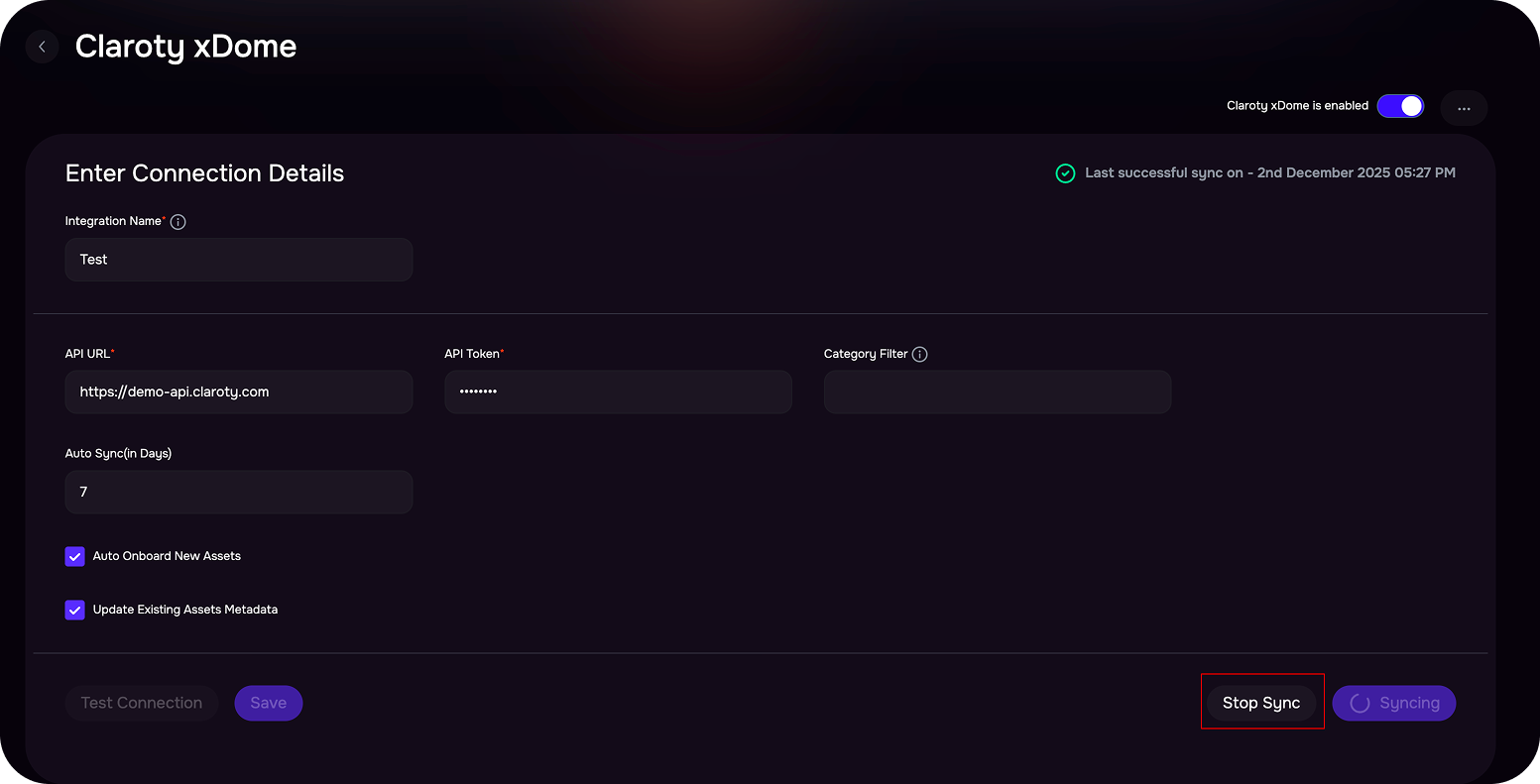
5. Stop Ongoing Integration SyncUsers now have the ability to immediately stop an ongoing integration sync using the new Stop Sync button on the configuration page, ensuring better control, preventing overload scenarios, and supporting automatic recovery when syncs become unresponsive.
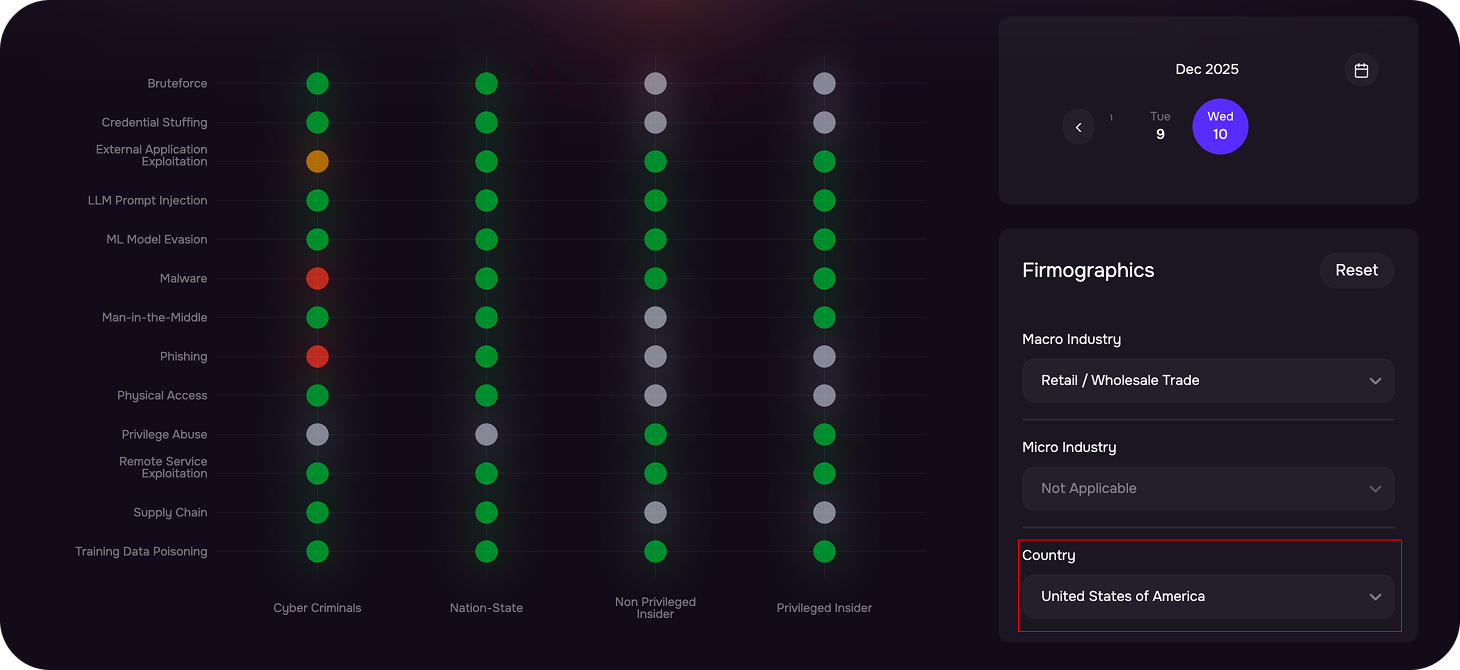
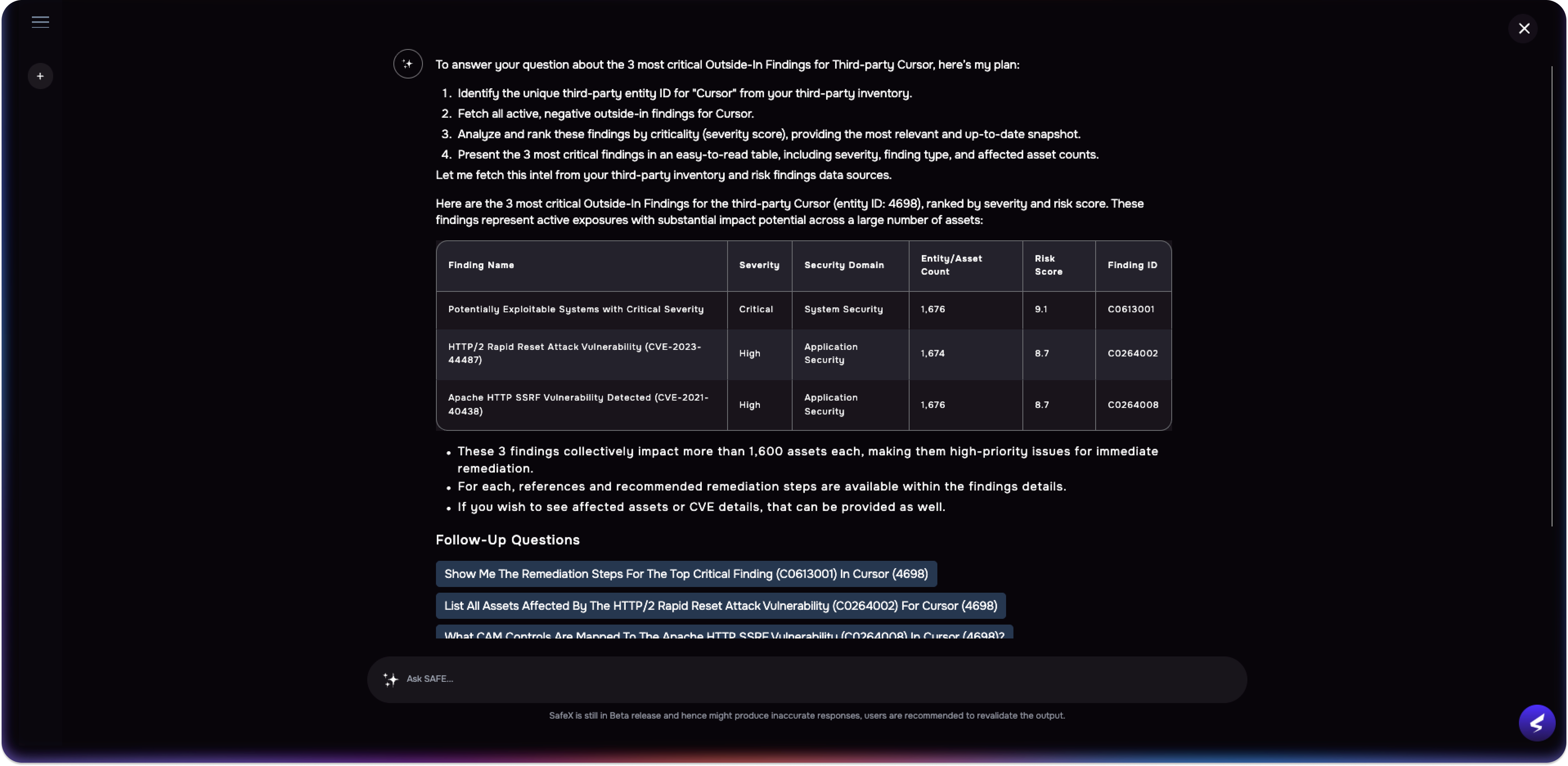
6. Country-Based Filtering in Threat CenterIn addition to industry-based filtering, the Threat Center now enables users to view threats by country. Detailed, country-specific threat insights are currently available for the United States, while threats for all other countries are shown in a combined global view for simplicity and clarity. Release v4.1.119Dec 01, 2025 1. SafeX Just Got Smarter, Faster, and More PowerfulSafeX now offers seamless access based on user roles and permissions, making it easier for everyone to find the information they need. It brings deeper integration across Risk, Groups, Controls, Peer Insights, and Third Party, along with intuitive drill-downs and multi-layered follow-up questions. Data is now presented in a cleaner, more consumable format for faster insights. You can now ask questions like:
2. Configure Your Own SMTP Server for Email NotificationsSAFE now allows customers to send emails through their own SMTP servers (Microsoft or Custom), with test email validation and the ability to manage multiple configurations. Refer to the User Guide.
3. Unified Public Data for Informed DecisionsThe Public Data page consolidates information on reported security breaches, identified leaked credentials, SEC filings (applicable to US companies), recent news, and legal and compliance observations from SEC filings and public news. This helps you quickly identify and understand the external risks affecting you, enabling you to make informed decisions and stay aware of potential issues.
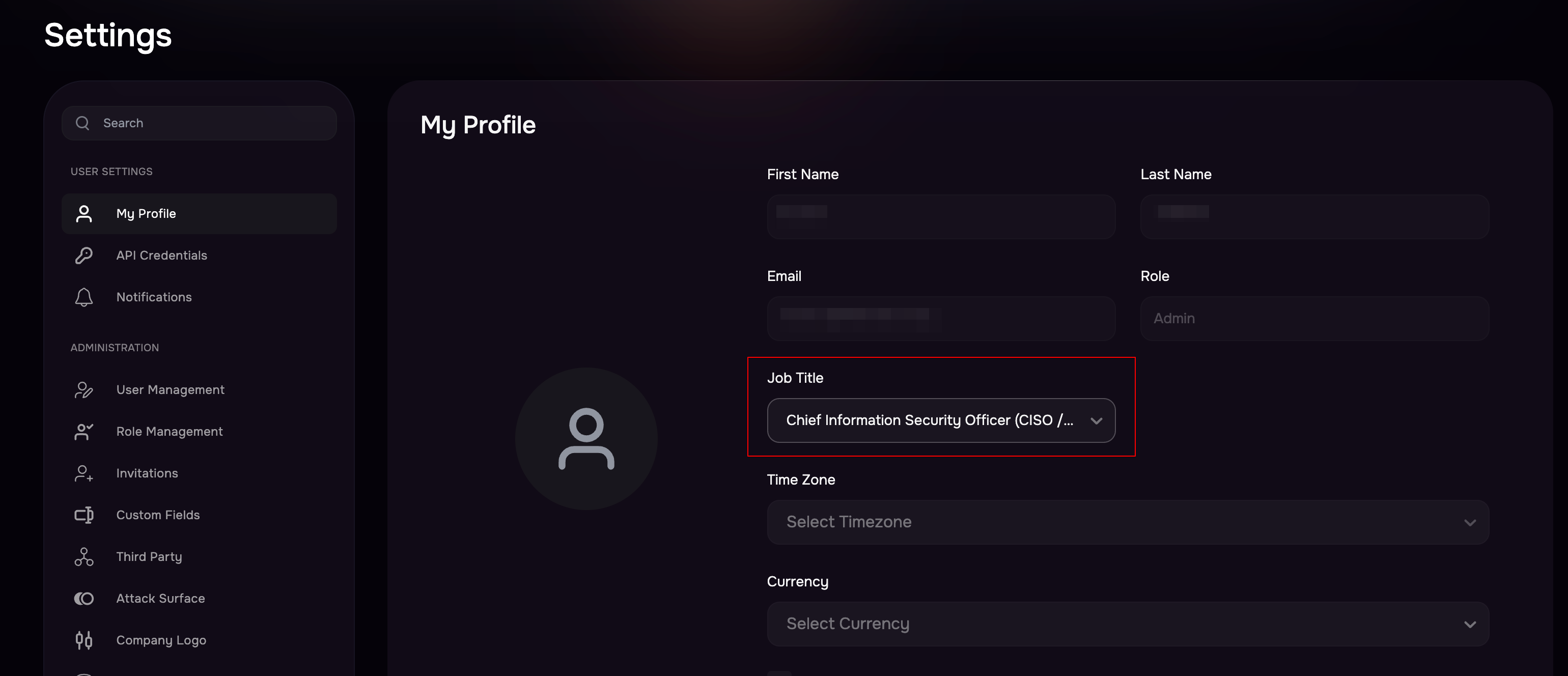
4. New Job Title Field in User ManagementWe’ve introduced a new Job Title field across user creation, editing, and profile management. This field comes with predefined titles, and is now also visible in the users table.
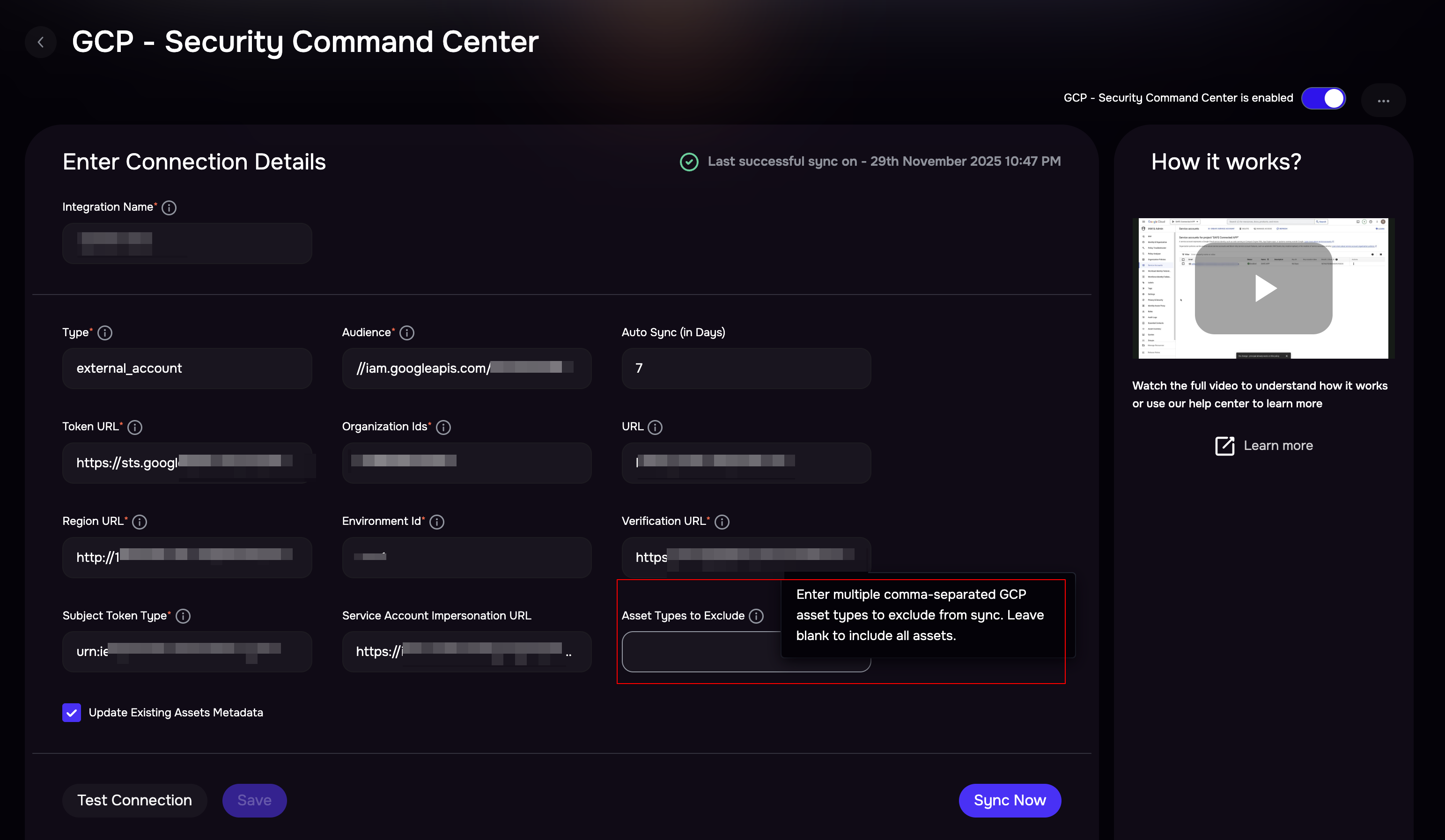
5. Asset Filter for GCP integrationYou can now limit incoming assets by applying the Asset Type filter while configuring the GCP integration in SAFE. This allows exclusion of non-actionable asset types, ensuring only relevant assets are pulled into SAFE.
|
.png)
(1).png)