Introduction
By default, all emails sent from the SAFE platform, such as system notifications, user invitations, alerts, and vendor communications, use SAFE’s email domain.
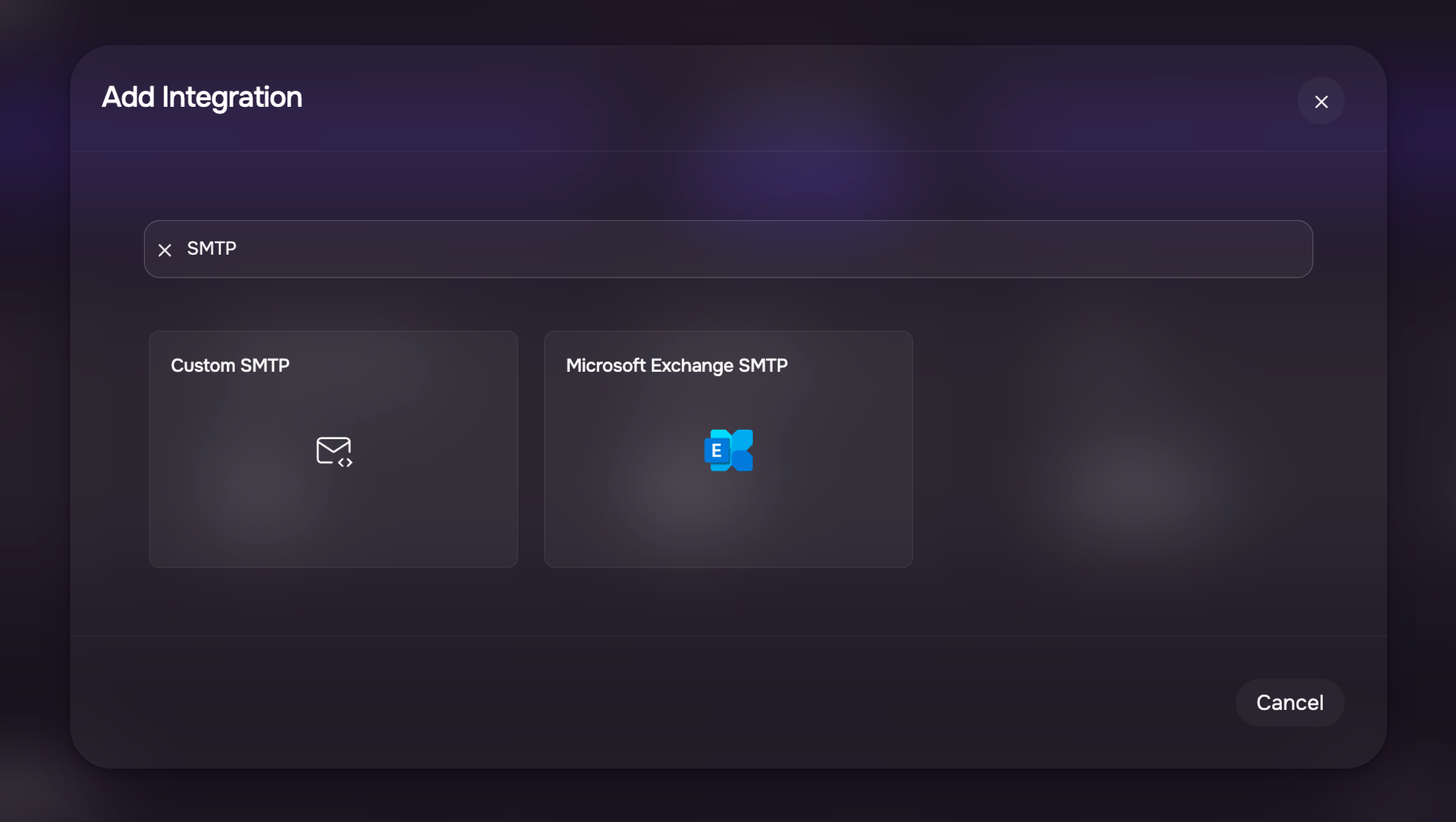
SAFE allows you to send the system-generated emails, including notifications and workflow alerts, from your own email domain. This is achieved by configuring a custom SMTP server or connecting to a Microsoft Exchange SMTP.
SAFE supports sending outbound emails through:
Once configured, SAFE routes all email notifications, based on your chosen scope, through the configured mail server instead of the default SAFE mail service.
Note
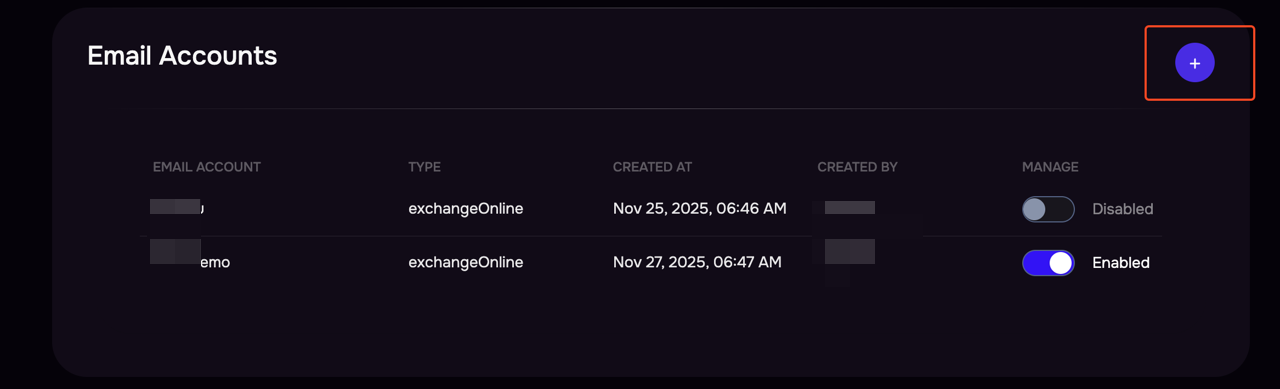
SAFE allows configuring multiple Microsoft or Custom SMTP profiles, but only one can be active at a time. To use another SMTP configuration, you must first disable the existing one from Settings > Advanced > Email Accounts.
Managing SMTP Configurations
SAFE allows you to configure multiple SMTP profiles, but only one configuration can be active at a time for sending notification emails.
To manage your SMTP configurations:
Navigate to Settings > Advanced > Email Accounts.
All configured SMTP servers will be listed here.
If needed, click the + icon to add a new SMTP configuration.
You can enable or disable any configuration to control which SMTP server SAFE uses for sending notification emails.