Overview
SafeX enables SAFE users to create, customize, and save dashboards using simple conversational prompts. By combining AI-driven widget generation with real-time data updates, SafeX provides a unified and intuitive dashboard-building experience that eliminates the need for manual configuration.
This guide walks through how to use SafeX to create dashboards, manage widgets, and interpret dashboard insights.
Creating a Dashboard using SafeX
On the third-party search page, enter a prompt such as “Create a <Title> Dashboard” (for example, Create a Third-party Risk Dashboard).
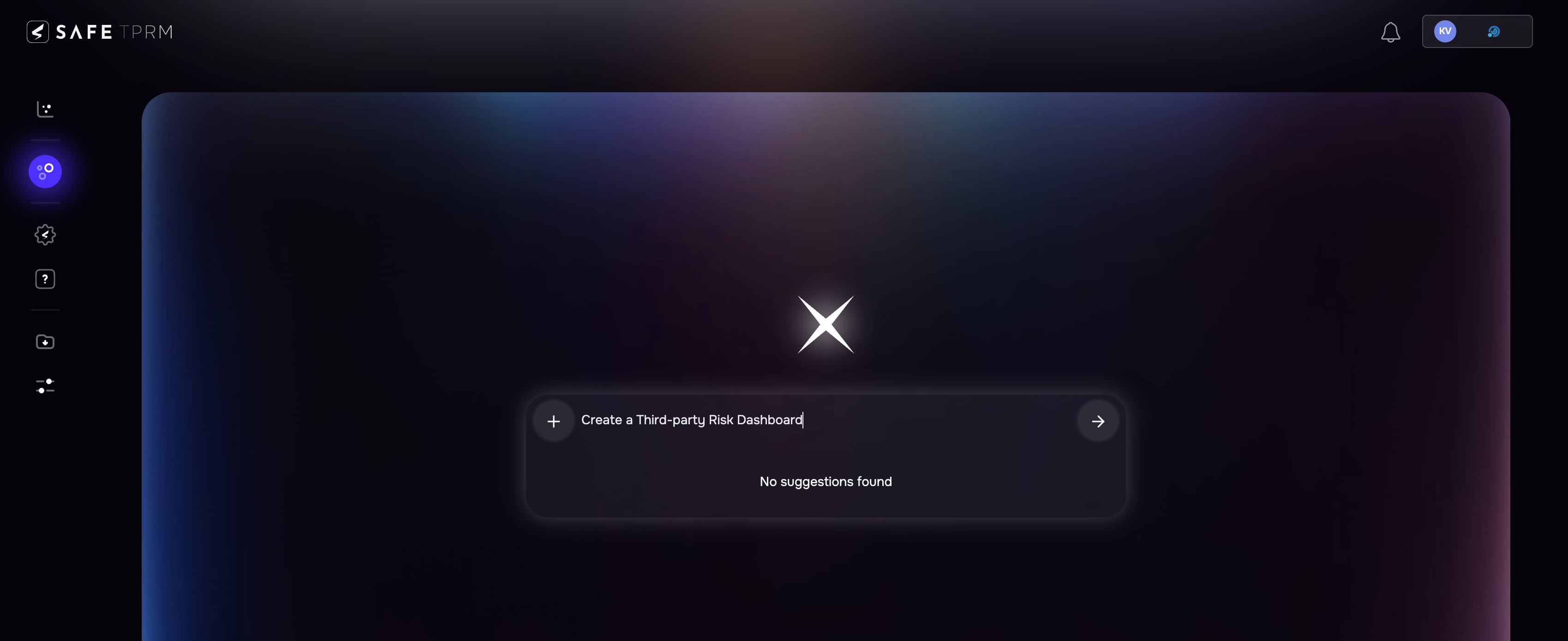
Create a dashboard by describing your requirements in natural language.
Upon submission, SafeX interprets the intent of your request.
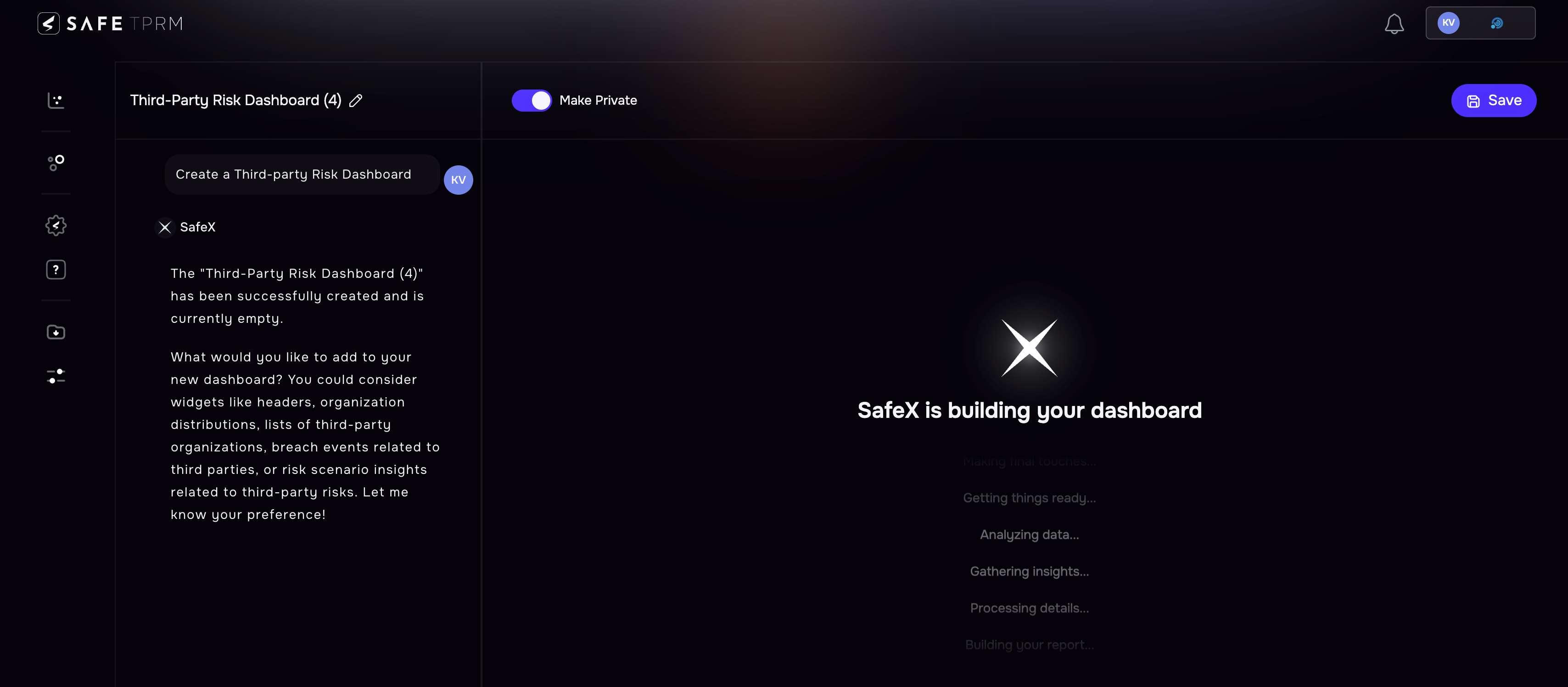
SafeX suggests relevant widgets for the dashboard, which you can accept or refine by requesting specific widgets.
AI-generated widgets are automatically created and added to the dashboard.
All widgets are populated with real-time SAFE data.
The dashboard is created instantly and displayed in the workspace.
You can modify the dashboard layout, edit widgets, and save your changes to the dashboard.
Resize and rearrange widgets as needed.
Remove widgets that are not required.
Add new widgets using additional conversational prompts.
Refine existing widgets by asking SafeX follow-up questions.
.png)
Notes
SafeX currently supports a limited set of widget types, which constrains the variety of dashboards that can be generated.
Widget data formatting may not always align with user expectations (for example, percentage scaling, currency formats, score representations, dates, or confidence labels).
Version history is not available, and users cannot undo or roll back changes made by the AI agent.
As with any AI-driven experience, SafeX may occasionally misinterpret user intent, apply incorrect filters, or generate inaccurate results.