Agentic Workflows Overview
Workflows in SAFE are fully customizable automations that let you design, configure, and run multi-step security and compliance processes — without writing code. Each workflow is a visual sequence of triggers, actions, flow controls, and AI-powered tasks that you connect on a drag-and-drop canvas to match your organization’s exact requirements.
Unlike rigid, one-size-fits-all automation rules, every element of a SAFE workflow is configurable. You choose which events start the workflow, define the conditions that control branching, select which actions to perform, and write the AI prompts that drive intelligent extraction and summarization. Two organizations using the same template can produce entirely different automations — each tailored to their risk program, compliance framework, and operational structure.
Workflows integrate across the SAFE platform. They respond to events from Third Party Risk Management (TPRM), questionnaires, issues, and assessments. They can update third party records, assign questionnaires, create issues, send emails, initiate outside-in assessments, and leverage AI to summarize or transform data — all within a single automated flow.
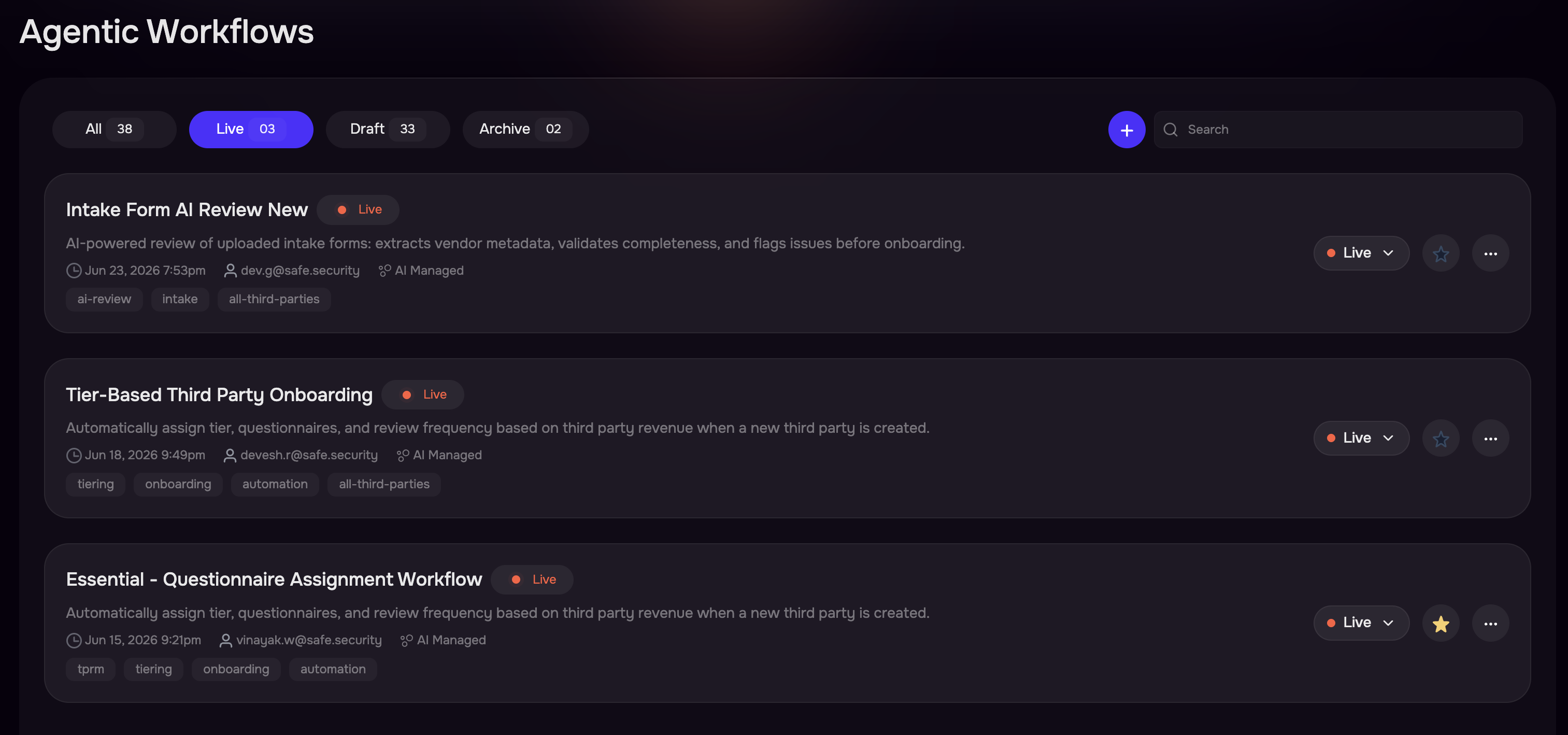
Key Concepts
Workflow: A named, reusable automation definition consisting of connected nodes arranged on a visual canvas. Each workflow has a unique name, an optional description, and optional tags for organization. You customize every aspect of a workflow to fit your specific processes.
Node: A single step in a workflow. Every node has a type (trigger, action, flow control, or AI) and a configuration that you define. Nodes are connected by edges that determine execution order.
Trigger: The starting node of every workflow. It defines what event, schedule, or manual action initiates execution. Each workflow begins with exactly one trigger. You configure the trigger to respond to the specific events relevant to your process.
Action: A node that performs an operation in SAFE or an integrated system. Actions include updating third party fields, assigning questionnaires, sending emails, creating or updating issues, initiating outside-in assessments, and more. Each action’s configuration is fully customizable — you select which fields to update, which questionnaires to assign, which email template to send, and so on.
Flow Control: A node that controls the execution path based on conditions you define. SAFE supports If Condition (two-way branching based on boolean expressions you configure), Switch Router (multi-path routing based on field values and cases you define), and implicit item streaming where actions automatically fan out over lists of items.
AI Task: A node that uses AI to extract, transform, or summarize data based on prompts you write. SAFE supports AI Transform (structured extraction with user-defined output fields) and AI Summary (generating summaries in your choice of tone and processing mode).
Version: Workflows use version control. You edit a Draft version, then Publish it to make it active. Publishing archives the previous published version automatically. Only the published version responds to trigger events.
Run: A single execution instance of a workflow. Each run tracks its status (Pending, Running, Completed, Failed, or Cancelled) and records step-level execution details including inputs, outputs, and errors.
Template: A pre-built workflow definition that serves as a starting point. Templates provide common automation patterns that you customize after creation. SAFE includes templates for onboarding, assessment, scheduling, issue tracking, and AI-driven review.
Workflow Mode: Determines which third parties a workflow processes. AI Managed mode (default) processes only AI-managed third parties. Manual mode processes both manual and AI-managed third parties. You select the mode that matches your operational model.