Overview
SAFE provides users with the flexibility to configure multiple accounts for the same integration and manage them independently.
Users can delete configured integrations when they are no longer required. Deleting a configured integration removes its setup and stops any further data ingestion from that source.
How to Delete a Configured Integration
To delete a configured integration in SAFE:
Navigate to Integrations.
Open the configuration page for the specific integration instance you want to remove.
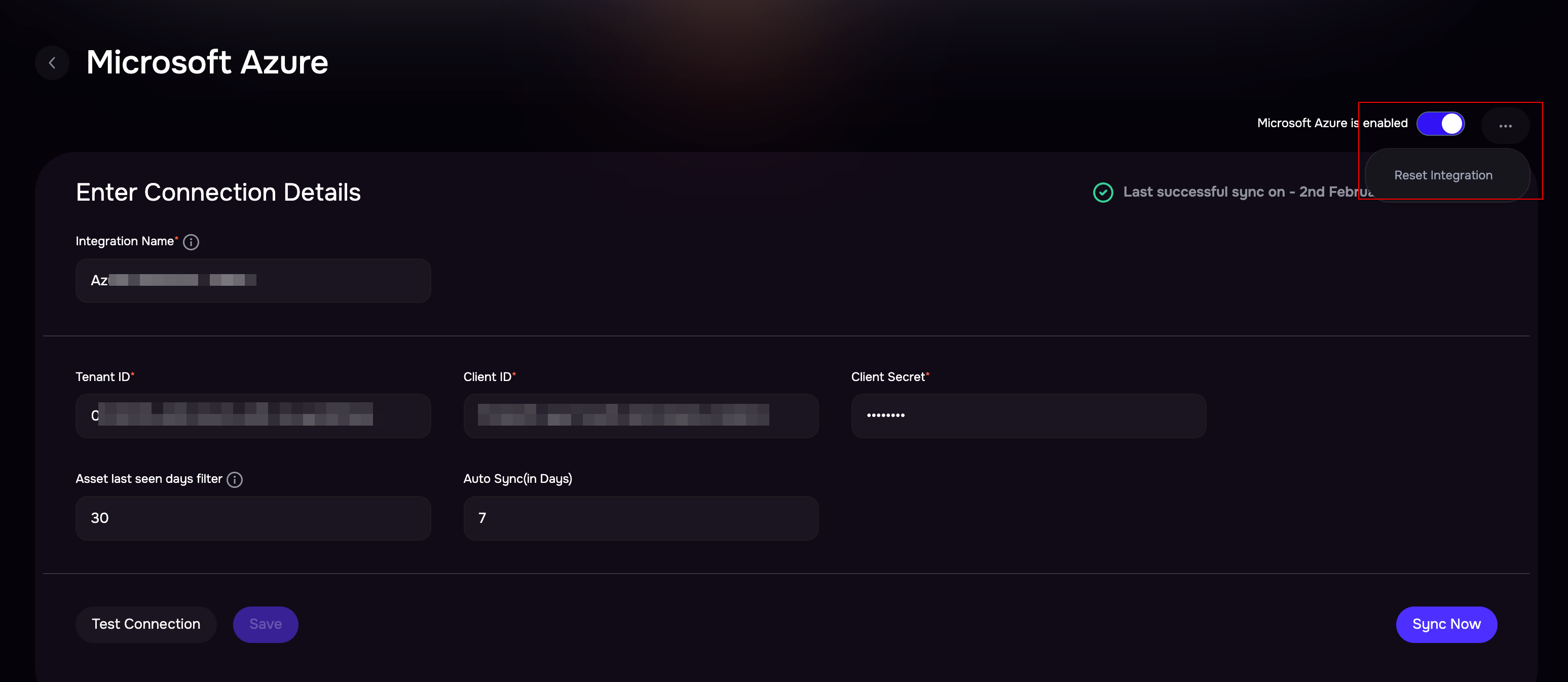
Click the three-dot (⋯) menu located on the integration configuration page.
Select Reset Integration.
On the confirm page, click Reset.
Once completed:
The integration configuration will be reset.
All configured fields will be cleared.
The integration card will be removed from the Configured Integrations page.
The integration will no longer be visible as an active configuration.
You may either:
Reconfigure the integration by adding new credentials, or
Return to the integrations home page.
Note
Deleting a configured integration is permanent and cannot be undone or restored. Ensure you review the impact before proceeding.
Impact on Assets and Findings
Assets previously ingested from the integration will remain in SAFE.
Asset lifecycle handling will follow the Asset Offboarding policy configured by your organization.
Findings associated with the deleted integration will remain temporarily.
All related findings will be automatically removed from the system after 90 days.