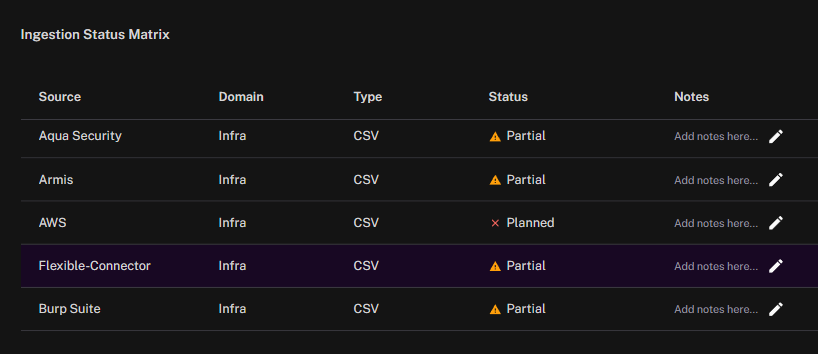
The Ingestion Status Matrix widget provides a consolidated view of data source integrations and their ingestion state. Each row lists a specific connector, along with its assigned domain, ingestion method, and current status.
Source identifies the connector (for example, Aqua Security, AWS, or Burp Suite).
Domain specifies the type of environment the data belongs to, such as infrastructure.
Type indicates the ingestion method, such as CSV file import or API.
Status uses visual indicators to show ingestion health:
Partial (yellow warning icon) means data is being received but coverage is incomplete.
Planned (red cross icon) signals that the integration has been defined but is not yet active.
Notes allows users to record context, troubleshooting information, or planned actions directly within the widget.
This widget helps teams quickly identify which data sources are fully operational, which require follow-up, and which are still in planning. By tracking ingestion status in one place, it simplifies coordination across security and infrastructure teams and ensures data pipelines are monitored for completeness and reliability.
See Also: