Introduction
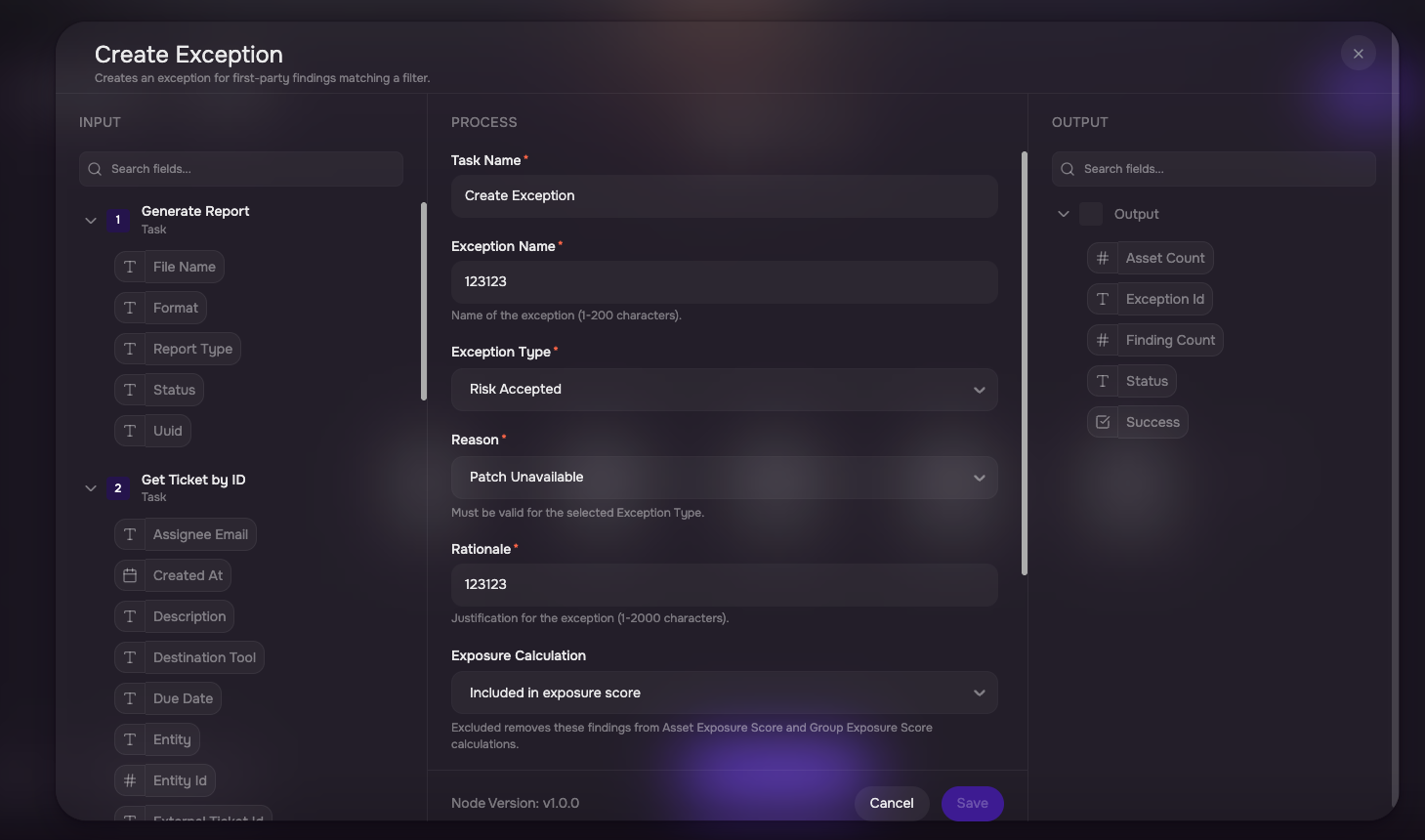
Use the Create Exception node to automatically create an exception for findings matching defined criteria.
An exception can be used to represent:
Risk Accepted, or
False Positive
Configure the Create Exception Node
Add Create Exception to the workflow.
Define the findings filter that identifies the applicable findings.
Enter the exception name.
Select the exception type.
Enter the reason.
Enter the rationale.
Configure the expiry.
Configure the applicable calculation treatment.
Save the node.