You can find these options in the Logs menu.
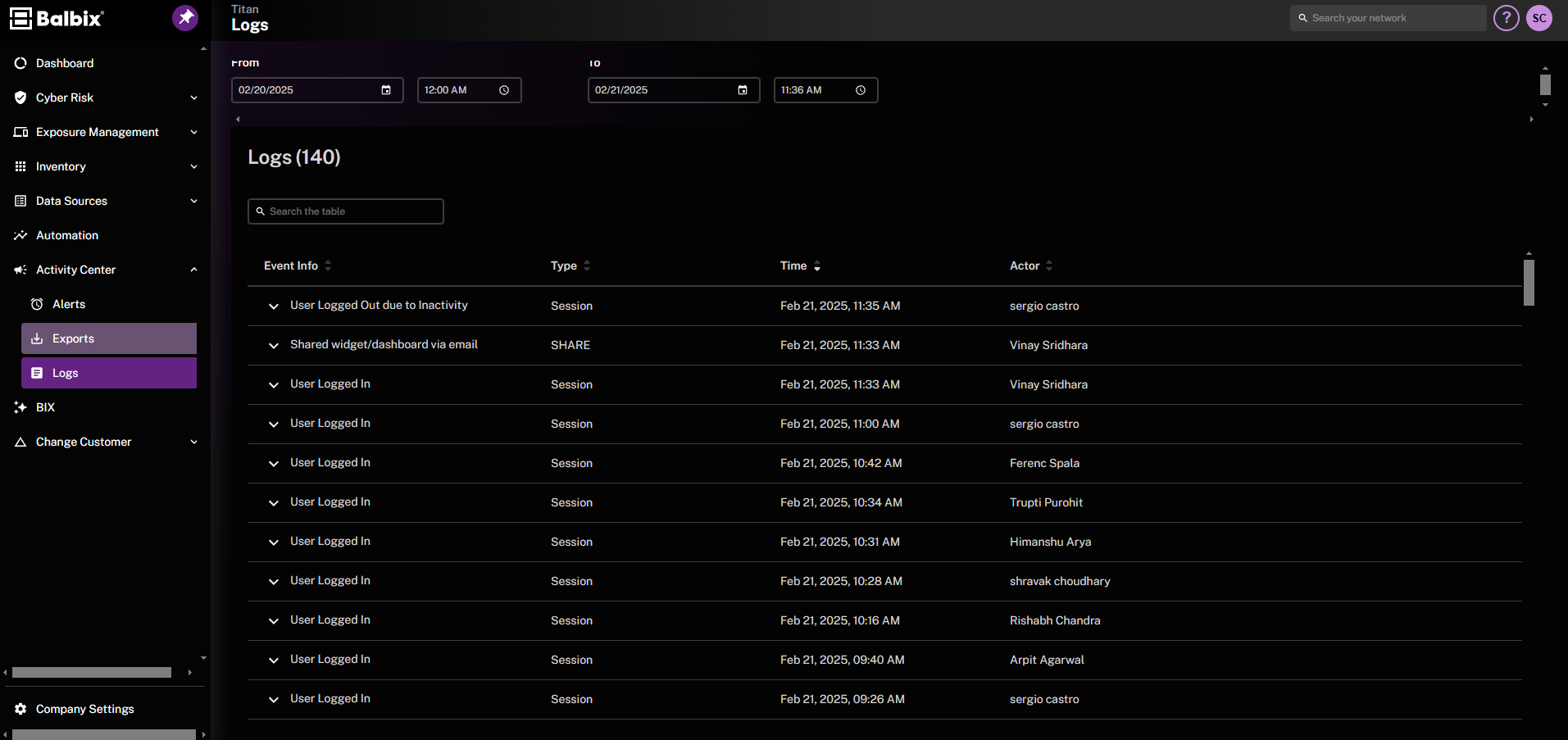
To view logs, click Logs in the left navigation menu. At the top, you can use the From and To date/time fields to filter the logs shown. The table columns include Event Info, Type, Time, and Actor, letting you quickly see what occurred, when it happened, and who initiated it. A search bar in the upper-right corner lets you locate specific events by keyword. The table updates automatically once you change the date range or perform a search.