Introduction
Ticketing Rules work like templates for ticket creation, they pre-fill ticket fields with predefined values so there's less manual entry, while still letting users override any value at creation time.
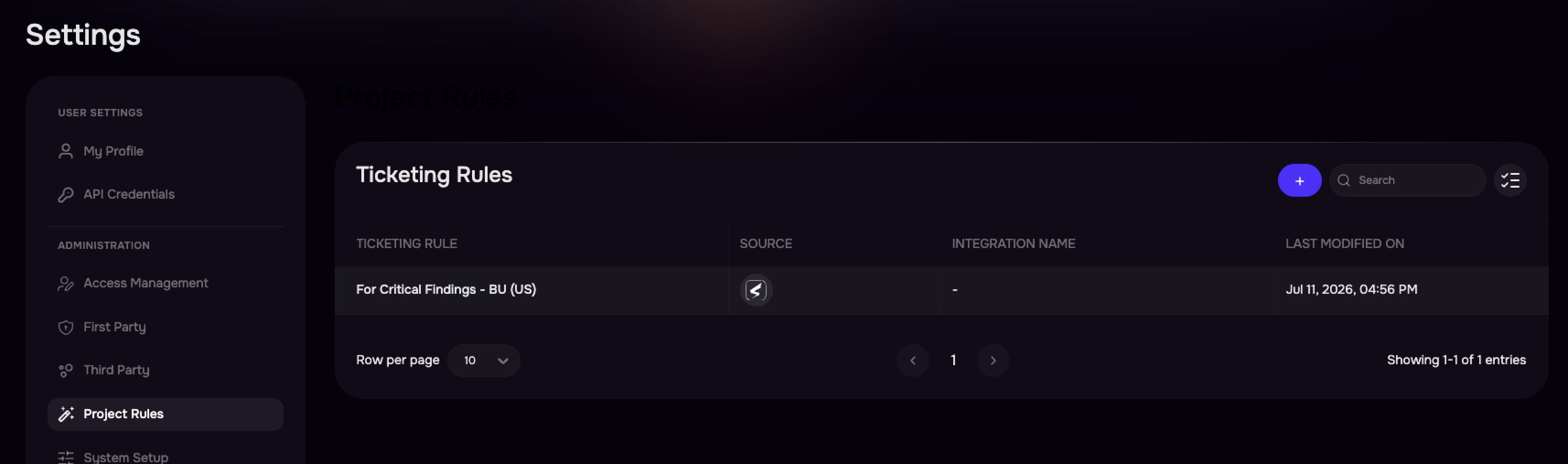
Ticketing Rules are managed from Settings > Project Rules > Ticketing Rules. Admins can create, edit, and delete rules at any time.
How It Works?
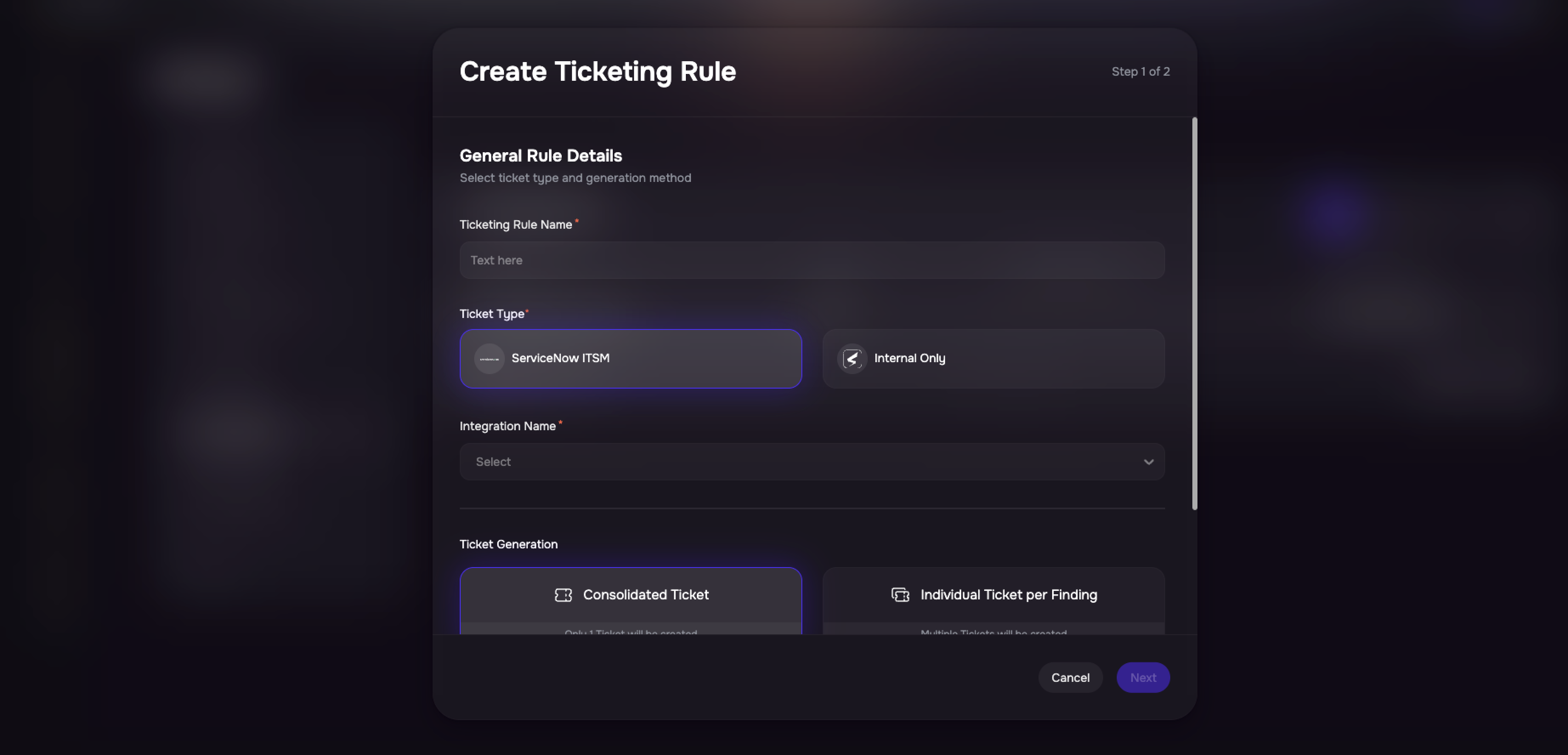
An admin creates a Ticketing Rule, choosing whether it targets internal tickets or a specific external integration such as ServiceNow ITSM.
The admin fills in the default values, such as title pattern, priority, assignee, due date, and grouping (Consolidated or Individual), that should apply whenever this rule is used.
When any user creates a ticket and selects this rule, those defaults are pre-populated into the creation form.
The user can accept the defaults as-is or override any field before confirming.
Rule Configuration
Configure Ticketing Rules to standardize ticket creation by defining default values and behaviors that are automatically applied whenever a rule is selected.
Configuration Option | Description |
|---|---|
Internal Ticket Rules | Configure default title patterns, priorities, assignees, and due dates for internal tickets. |
External Ticket Rules | Configure integration-specific fields for Jira or ServiceNow. Only active integrations are available for selection. |
Grouping Option | Choose Consolidated (all findings in one ticket) or Individual (one ticket per finding) as the default grouping method. |
Editable Default Values | Users can modify any pre-populated field before creating the ticket. |
Multiple Rules per Integration | Create multiple rules for the same integration to support different teams, workflows, or remediation use cases. |